TTAgentRing
Is your AI done, or waiting for you?
Now you can see it on your desk.
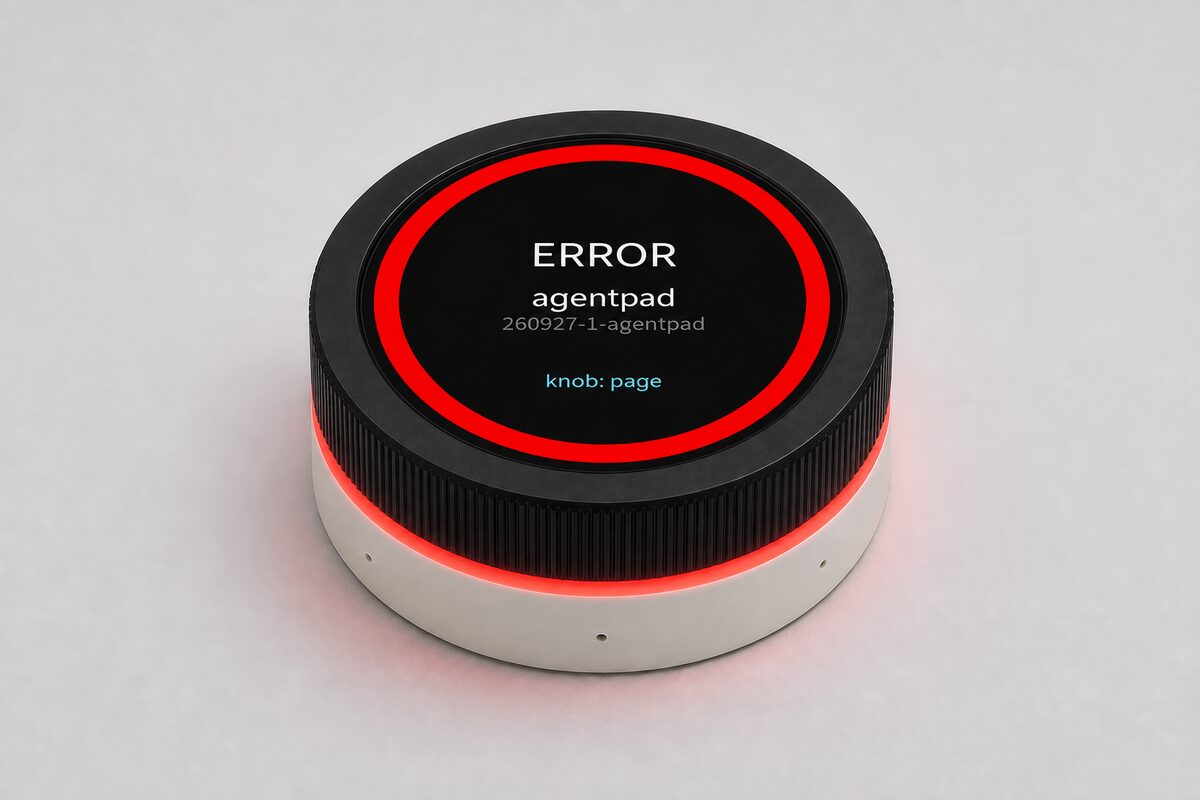
TTAgentRing is a round touch macropad that works with AI coding agents. Its ring color tells you whether an agent is working, done, or waiting for your reply, and you can answer questions or approve actions right on its touchscreen.
Preparing for release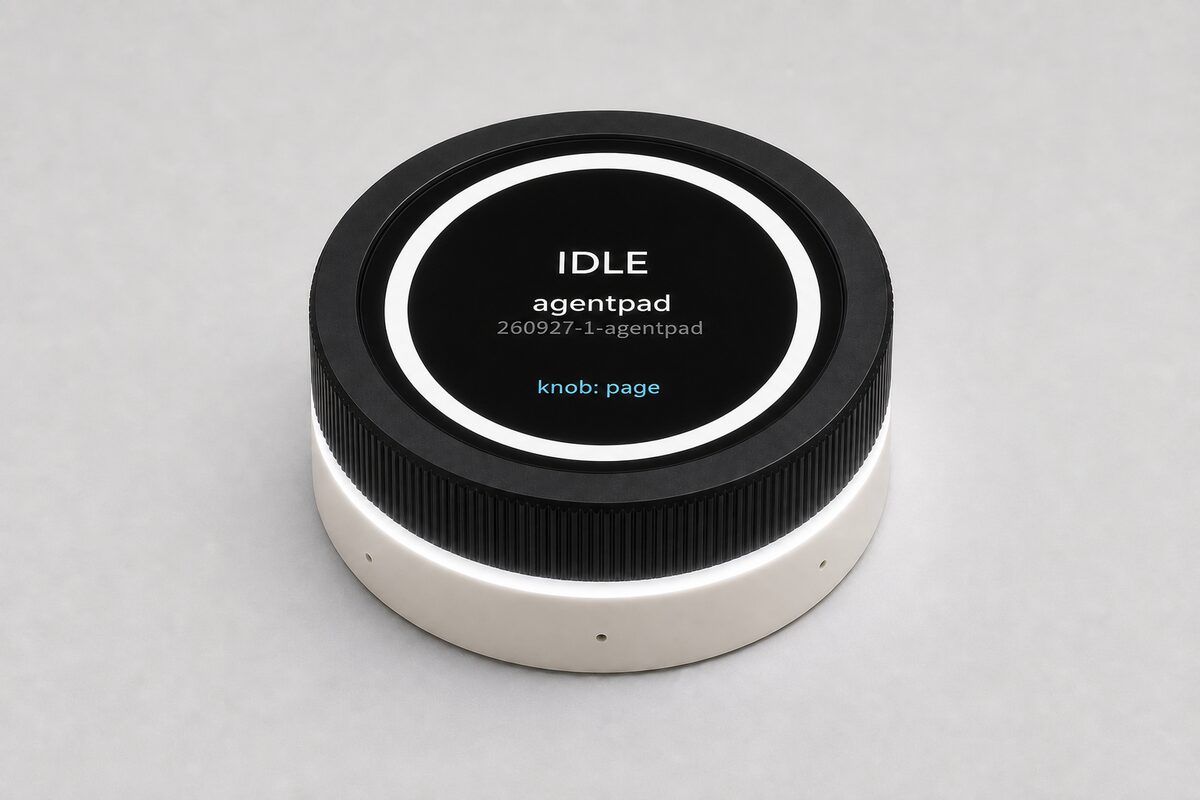
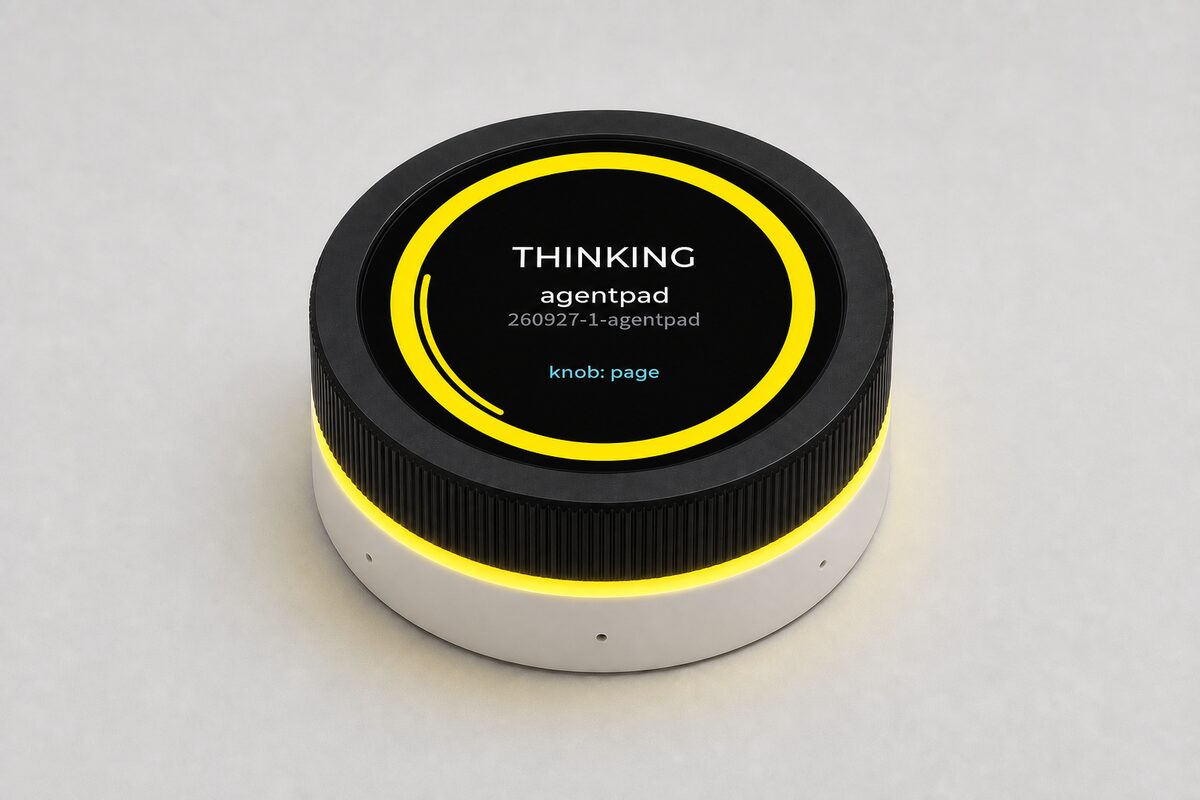
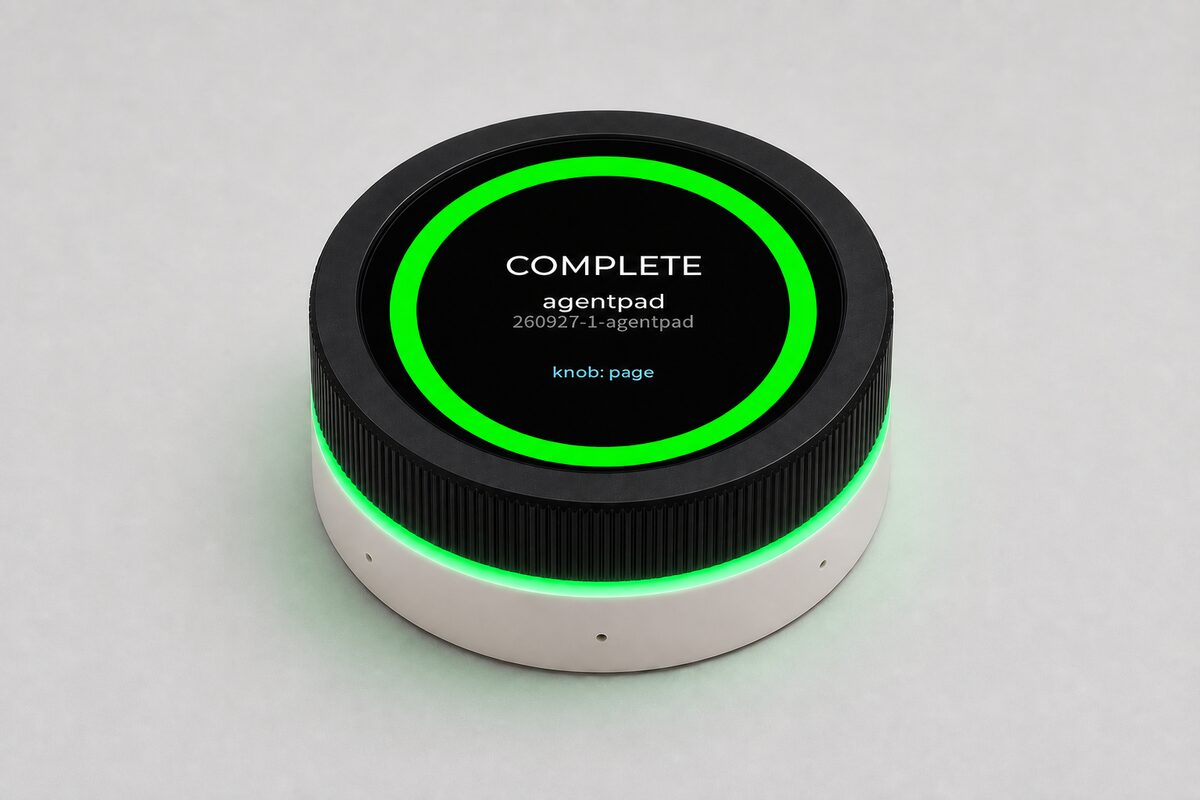
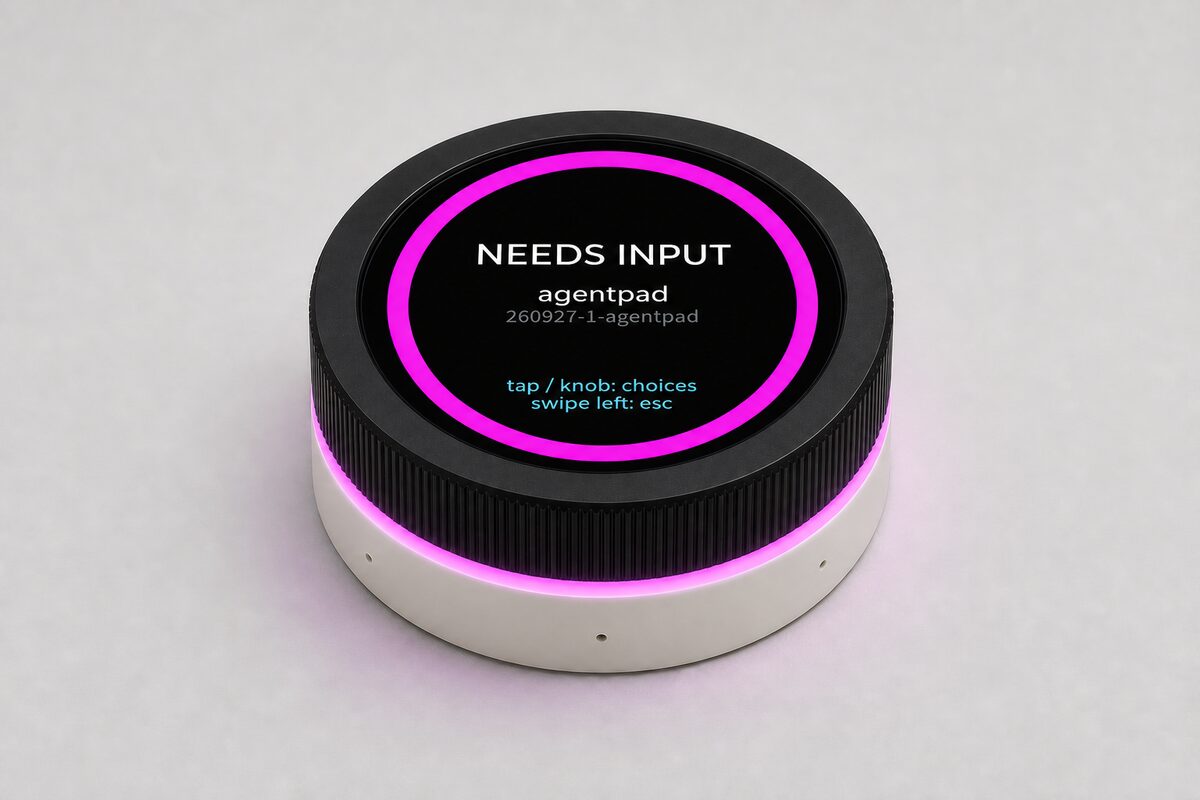
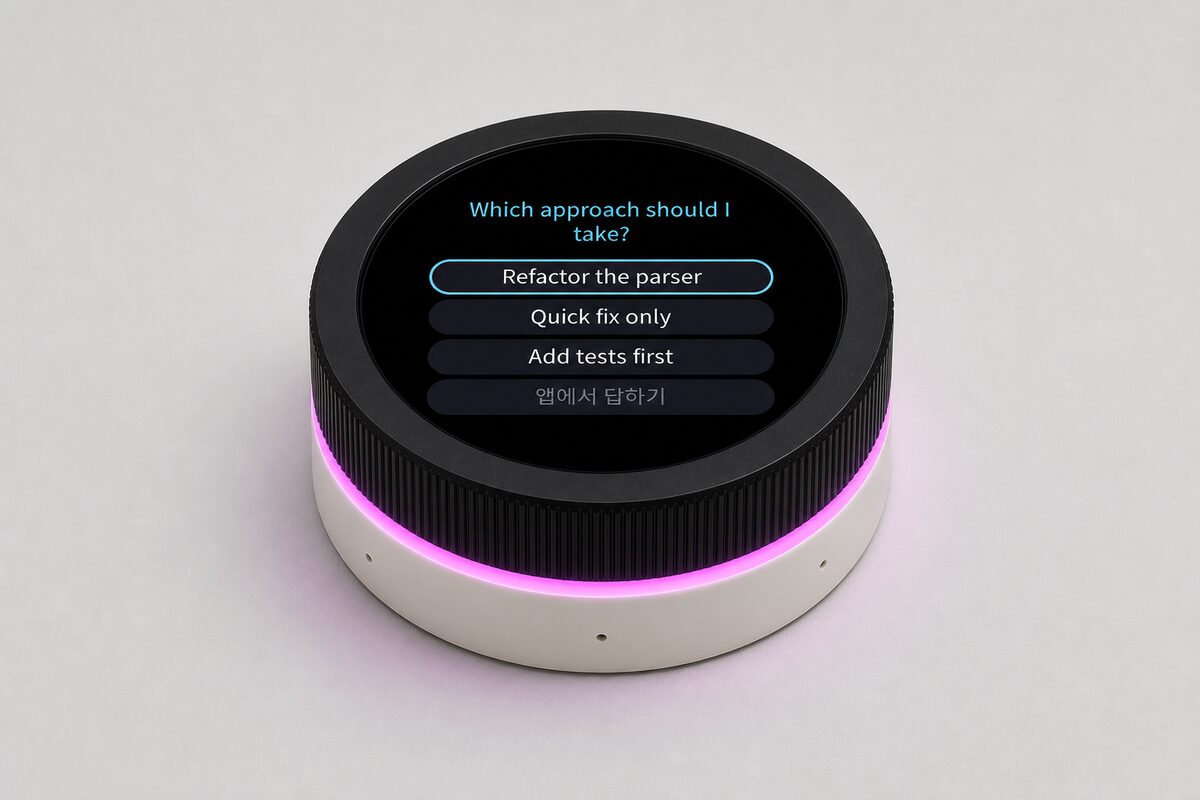
Questions and approvals, right on the device
When an agent offers options or asks for permission to run something, TTAgentRing shows a reply screen. You can pick an option, or allow or deny the action, on the screen.
※ Supported reply features vary by agent and environment.
Shortcuts that follow the app you are using
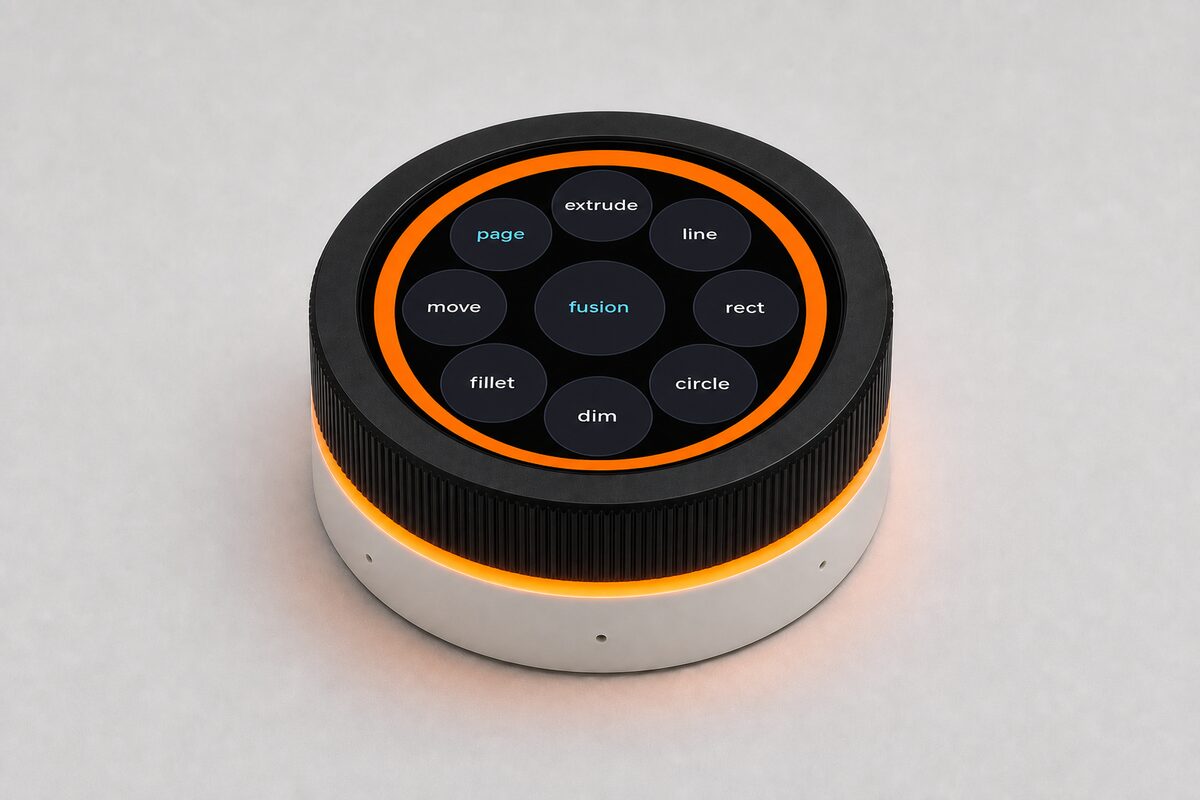
Switch from designing in CAD to Photoshop, and TTAgentRing switches to that app's shortcut screen too.
Presets for about 40 programs are included, and you can assign your own frequently used keys in the settings app. The rotary knob can be used for scrolling, volume and more.
※ Per-app switching requires the PC program.
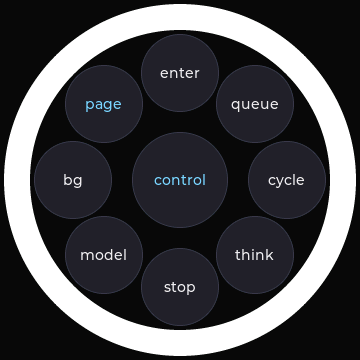
Run frequently used agent commands from the touchscreen.
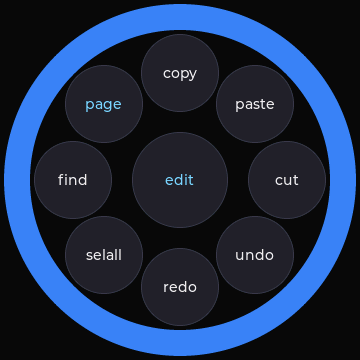 Edit
Edit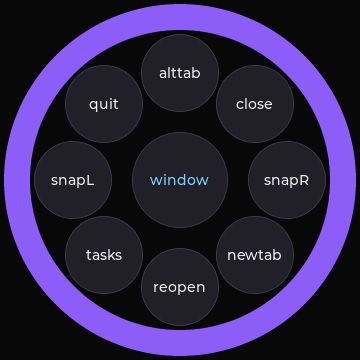 Windows
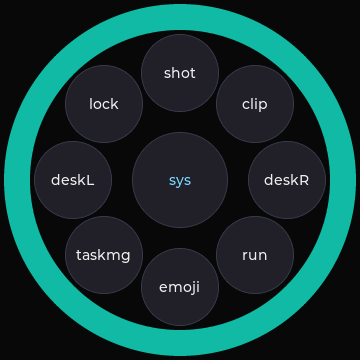 System
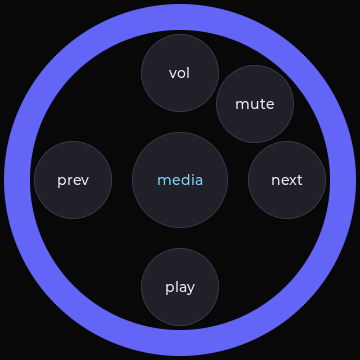 Media
Media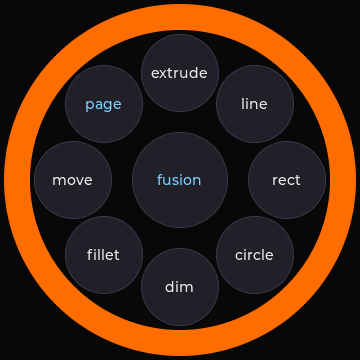 Fusion
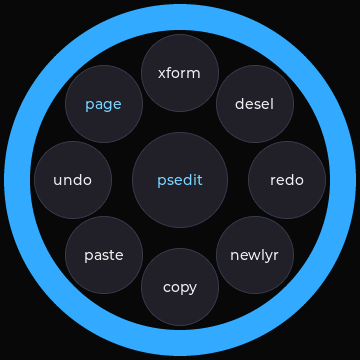 Photoshop
Choose the layout you want, from editing, window management and media control to per-app shortcuts.
Screen examples were captured in a simulator that runs the same UI code as the device.
From basic shortcuts to AI integration
Saved shortcuts work without any extra program. Key settings are stored on the device, so they stay with it when you connect it to another PC.
AI features need the agent integration set up. Install the PC program as well, and per-app shortcut switching becomes available too.
| Install | What you can use |
|---|---|
| Nothing | Saved shortcuts, rotary knob |
| Agent integration | Session status, answering questions and approving actions |
| PC program | Automatic per-app shortcut switching |
Agents Claude Code · Codex
GitHub Copilot integration in preparation
Platforms Developed for Windows and Linux together.
This product is in development.
Product images are concept images based on the UI in development. Final appearance and specifications may change.